

What PlayOJO offers on mobile

PlayOJO is run by SkillOnNet Ltd and offers three ways to play away from a computer. Two are apps, one for iOS and one for Android. The third is the mobile site, which you open in your phone's browser.
The iPhone app guide covers the iOS version: what it is, who it suits and what to do before you start. The Android app guide does the same for Android phones and tablets. The mobile version page covers playing in a browser, which is useful if you want to keep your phone free of extra software or switch between devices.
The games come from providers including Pragmatic Play, NetEnt, Playtech, Play'n GO, Evolution, Games Global, Blueprint Gaming, Hacksaw Gaming, Light & Wonder, Red Tiger, Relax Gaming, Big Time Gaming, Push Gaming, Yggdrasil, ELK Studios, Nolimit City and Authentic Gaming. Check the games page for the range, the slots page for reels and the live casino page for dealer tables. All three have their own pages, so you can see what is on offer before you choose how to play.
Money works the same whichever way you play. The payment methods are Visa, Mastercard, Interac, MuchBetter, Apple Pay, PayPal, Paysafecard, Neteller and Trustly, and the minimum deposit is C$10. For withdrawals, processing is currently described as: Aims to process within 11 hours. The deposits page and the withdrawals page go through the steps.
If you want to play on a computer instead, note this: Playing on a computer requires the Xpoint Verify app for location verification. That is a separate requirement from the phone options on this page.
Support is available on live chat and by email, with hours of 24/7. The contact page lists how to reach the team.
iPhone app, Android app or mobile site
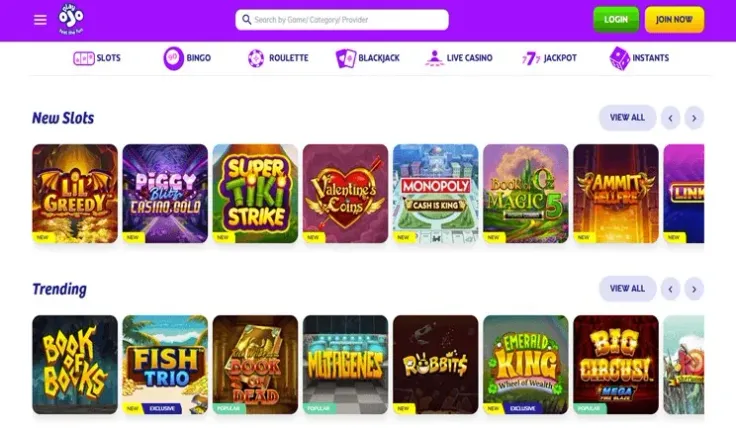
The three options differ in how you get to the casino, not in what the casino is. You are still playing at PlayOJO, with the same payment methods and the same verification rules. What changes is the device you use and how you open the casino.
iPhone app. This is for iOS users who want a dedicated app. The iPhone page is where to go for details on that version.
Android app. This is the equivalent for Android users. The Android page covers it, and it is the right place to check anything specific to your device.
Mobile site. This opens in a browser, so it suits anyone who does not want an app, and it works for both iPhone and Android users. The mobile version page explains it.
A practical way to decide is to ask how often you plan to play. If you play rarely, the mobile site avoids adding anything to your phone. If you play often and want a dedicated app, use the iPhone or Android page that matches your phone.
Bonuses are a separate question from the device. The welcome offer is 50 Free Spins on Big Bass Bonanza: it has 50 free spins on Big Bass Bonanza, wagering of "No wagering" and a minimum deposit of C$10. T&Cs apply. The welcome bonus page has the full conditions. For existing players there is also OJOplus cashback, covered on the cashback page. T&Cs apply.
Before you claim anything on your phone, read the offer terms on its own page, and check which games the offer applies to before you play.
19+ · T&Cs apply
How to choose where to start
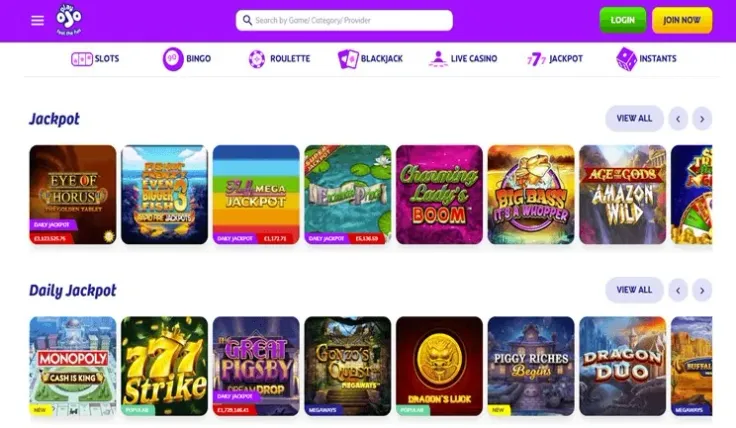
Start with your phone. An iPhone user will find the iPhone app page most useful, and an Android user the Android app page. Both pages are written for their own device, so there is no need to read the other.
Then think about how you like to play. If you prefer a browser and do not want an app on your phone, use the mobile site. If you share a device or use more than one, the browser option may be easier to manage.
You can also choose by what you want to play. If you mainly play slots, check the slots page first, and if you prefer dealer tables, look at the live casino page. Either way, you can then decide how to open the casino.
If you are new, the sign-up page walks through creating an account, and the login page helps if you already have one. Identity verification is required at PlayOJO, so the verification page is worth reading before you deposit.
Practical tips before you play on a phone
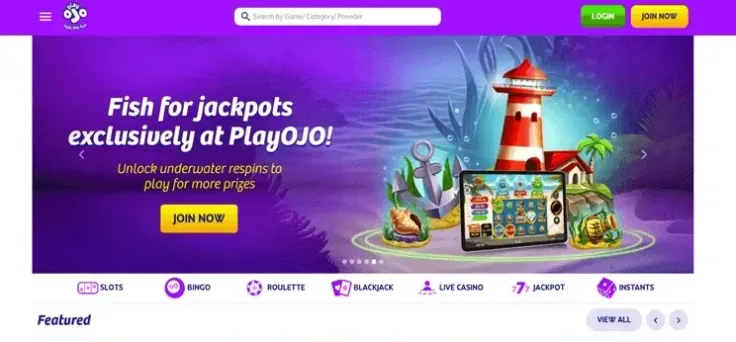
Check the payment method first. Open the deposits page and confirm that your method is among Visa, Mastercard, Interac, MuchBetter, Apple Pay, PayPal, Paysafecard, Neteller and Trustly. The minimum deposit is C$10, so decide on an amount before you start rather than during a session.
Read the withdrawal details too. The withdrawals page explains how cashing out works, and the processing time is currently: Aims to process within 11 hours. Complete identity verification early so that it does not hold you up later.
If you take an offer, open its page and read the terms, including which games it covers. T&Cs apply to every offer, and the welcome offer is explained on the welcome bonus page.
Set deposit limits or take a break if you find that you are playing more than you planned. The safer gambling page explains the tools, and the helplines listed at the bottom of the page are free and confidential.
If something goes wrong, use support. Live chat and email are both available, with hours of 24/7. The FAQ answers common questions, and the contact page lists the channels.